
You park your Tesla in the garage with 80% battery. The next morning, you open the Tesla app and discover it’s dropped to 76%.
You haven’t driven anywhere. Nobody has used the car. So where did that 4% go?
If your Tesla battery is draining overnight, you’re not alone. It’s a common concern among Model 3, Model Y, Model S, and Model X owners.
The good news is that overnight battery drain doesn’t automatically mean your Tesla has a bad battery.
In many cases, the cause is a feature running in the background, cold weather, or something preventing your Tesla from entering its low-power sleep state.
Tesla owners often call this phantom drain or vampire drain.
In this guide, we’ll explain how much battery loss is normal, the 10 most common causes, and exactly what you can do to reduce unnecessary battery consumption while your Tesla is parked.
How Much Battery Drain Is Normal for a Tesla Overnight?
According to Tesla’s official range guidance, a Tesla can be expected to consume approximately 1% of battery charge per day while parked.
That is a general expectation, not a guaranteed maximum. Actual results vary depending on the vehicle, temperature, software, and features enabled.
If your Tesla is properly sleeping with unnecessary background features disabled, overnight battery consumption should generally be modest.
Tesla Overnight Battery Drain: What to Look For
| Battery Lost Overnight | What It Could Mean |
|---|---|
| 0–1% | Generally consistent with low parked energy use |
| 2–3% | Worth checking active features and temperature |
| 4–5% | Investigate Sentry Mode, climate, apps, and sleep behavior |
| 6–10% | Significant overnight loss; troubleshoot promptly |
| More than 10% | Unusual for a typical idle night; check for active systems, extreme conditions, or a possible problem |
These are practical troubleshooting categories, not official Tesla diagnostic thresholds.
A single night’s percentage change doesn’t prove a hardware fault. The battery display can also change as the vehicle estimates available energy under different temperatures.
Bottom line: If your Tesla repeatedly loses 5% or more overnight with no obvious features running, it’s worth investigating.
What Is Tesla Phantom Drain or Vampire Drain?
Tesla phantom drain refers to battery energy consumed while the vehicle is parked and not being driven.
Unlike a traditional gasoline vehicle, your Tesla contains numerous electronic systems that can remain active while parked.
These include security cameras, climate control, battery temperature management, connectivity systems, and vehicle computers.
Your Tesla can also periodically wake to perform necessary tasks.
Some standby energy consumption is normal.
The problem occurs when unnecessary systems remain active, the vehicle cannot sleep properly, or the amount of parked energy consumption becomes excessive.
10 Reasons Your Tesla Battery Is Draining Overnight
1. Sentry Mode Is Running All Night
Sentry Mode is one of the first settings to check when your Tesla loses battery while parked.
Tesla’s Sentry Mode uses cameras and vehicle sensors to monitor for suspicious activity while your car is parked.
This is useful for security, especially in public parking lots.
However, keeping those systems active requires electricity.
Depending on your Tesla model, software, environment, and the number of security events, Sentry Mode can noticeably increase parked energy consumption.
How to Reduce Sentry Mode Battery Drain
- Open your Tesla touchscreen.
- Navigate to Controls → Safety → Sentry Mode.
- Review whether Sentry Mode is enabled.
- Consider excluding your Home location if it’s a secure parking area.
- Keep Sentry Mode enabled in locations where you need its protection.
Tesla allows Sentry Mode exclusions for Home, Work, and Favorite locations on supported vehicles.
Our recommendation: If your Tesla is parked in a secure private garage, consider disabling Sentry Mode at home. If your parking location is exposed or theft is a concern, weigh the security benefits against the energy cost.
2. Your Tesla Isn’t Going to Sleep
When you’re not using your Tesla, the vehicle should normally enter a lower-power state.
This reduces energy consumption while parked.
But certain activities can keep vehicle systems active or wake them repeatedly.
Examples include:
- Active climate control.
- Sentry Mode.
- Vehicle software activity.
- Third-party vehicle monitoring.
- Repeated remote commands.
- Certain accessories drawing power.
If your Tesla stays awake for much of the night, it can consume more battery than expected.
How to Help Your Tesla Sleep
After parking:
- Close the doors, trunk, and frunk.
- Turn off unnecessary parked features.
- Stop actively interacting with the vehicle.
- Temporarily disable third-party monitoring tools.
- Leave the vehicle undisturbed overnight.
A Tesla does not need to be completely disconnected from the internet to enter its normal low-power state.
3. Third-Party Tesla Apps Are Waking the Vehicle
Do you use a Tesla monitoring app to track charging, driving efficiency, or battery statistics?
Some third-party applications access vehicle data regularly.
Depending on the app and its integration, this activity may wake your Tesla or prevent it from remaining asleep.
Tesla specifically warns that third-party mobile applications collecting vehicle data can increase parked energy consumption.
How to Fix It
Review any third-party services connected to your Tesla account.
Look for features such as:
- Frequent vehicle polling.
- Automatic vehicle wake requests.
- Continuous live monitoring.
- Background commands.
Where available, enable sleep-friendly settings.
For troubleshooting, temporarily pause or disconnect nonessential integrations and compare battery drain over the following night.
Avoid sharing your Tesla password with untrusted applications.
4. Cabin Overheat Protection Is Using Battery
Cabin Overheat Protection is designed to reduce excessive cabin temperatures when your Tesla is parked in hot conditions.
Depending on the vehicle and settings, it can use air conditioning or fan ventilation.
That requires battery energy.
If your Tesla sits outside during a hot afternoon, Cabin Overheat Protection may run repeatedly.
This can contribute to parked battery loss.
How to Check Cabin Overheat Protection
Navigate to:
Controls → Safety → Cabin Overheat Protection
Depending on your Tesla, you may see options such as:
- On
- No A/C
- Off
If you don’t need the feature, disabling it can reduce energy use.
However, Cabin Overheat Protection is not a substitute for keeping people or pets safe. Never leave a child or pet unattended in a vehicle based on this feature.
5. Cold Weather Is Affecting Your Battery
Cold weather is another common reason Tesla owners notice their battery percentage dropping overnight.
When temperatures fall, the battery may require thermal management to maintain appropriate operating conditions.
Some stored energy may also become temporarily unavailable while the battery is cold.
This can cause the displayed battery percentage or available range to change.
For example, a Tesla parked outside during a freezing night may display a lower battery percentage in the morning.
That does not automatically mean all of the difference was consumed by background electronics.
Some energy availability may return as the battery warms.
How to Reduce Cold-Weather Battery Drain
- Keep your Tesla plugged in when practical.
- Use scheduled preconditioning before departure.
- Precondition while connected to home charging when possible.
- Avoid leaving the battery at an extremely low charge in freezing conditions.
- Follow Tesla’s winter charging recommendations.
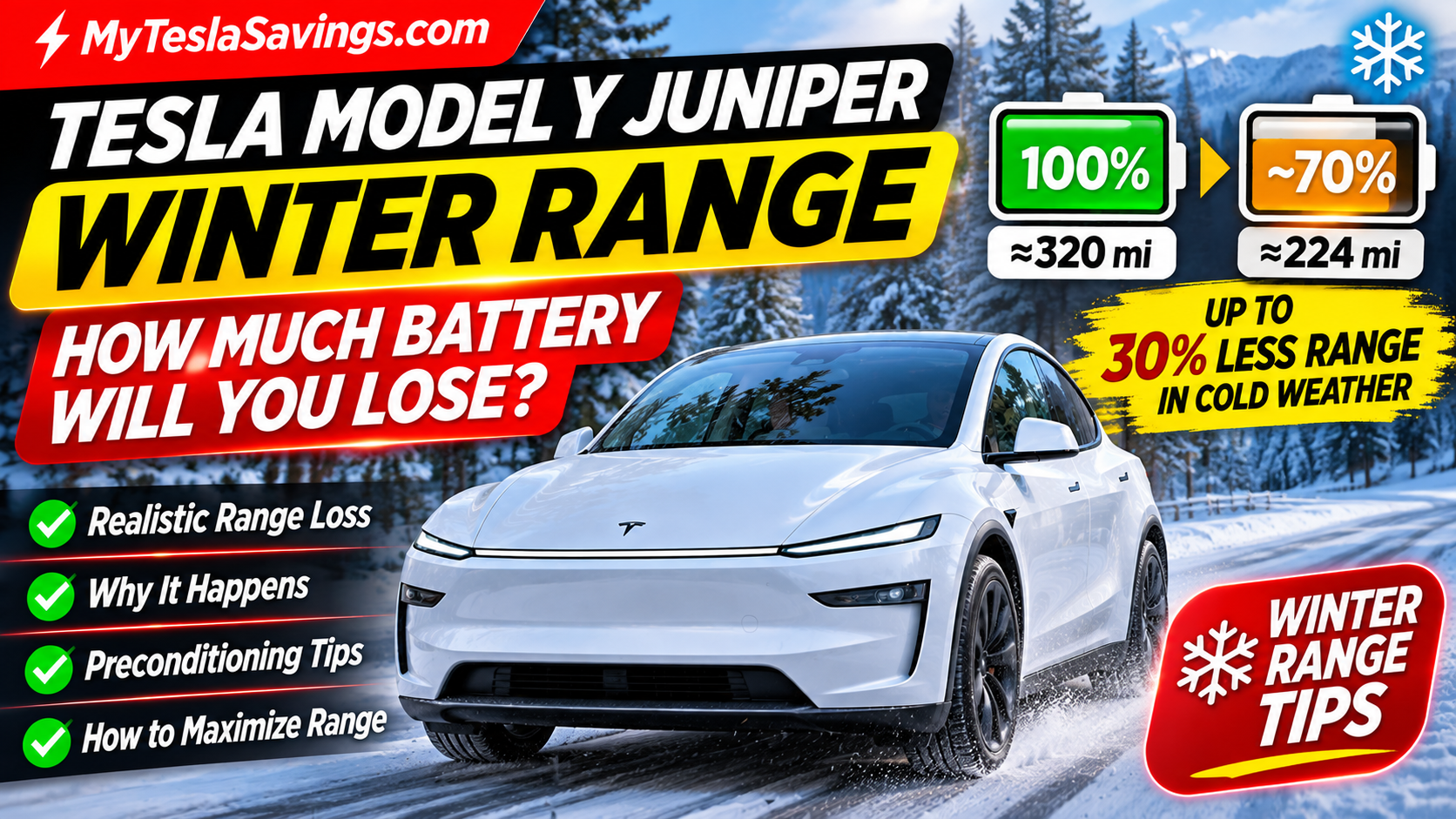
Related reading: Tesla Model Y Juniper Winter Range: How Much Battery Will You Lose?
6. Climate Keep, Camp Mode, or Pet Mode Is Active
Tesla offers several features that keep climate systems operating while the vehicle is parked.
These include:
Keep Climate On: Maintains cabin temperature while you’re away.
Camp Mode: Keeps climate and certain vehicle systems available for camping.
Pet Mode: Maintains a selected cabin temperature for pets while you’re temporarily away, subject to the feature’s operating limitations.
These features are useful, but they consume energy.
If you accidentally leave a climate feature running, your battery can drain much faster than it would during normal sleep.
How to Fix It
Check the climate settings on your vehicle touchscreen or Tesla app.
Disable features you no longer need.
If you’re using climate controls for an extended period, keeping the vehicle plugged in when practical can help reduce battery depletion.
7. Summon Standby Mode Is Enabled
Some Tesla vehicles equipped with Summon or Actually Smart Summon support a Standby Mode.
This feature helps keep the vehicle ready for a Summon request.
However, maintaining that readiness may increase energy consumption while parked.
How to Reduce Summon Battery Drain
If your Tesla supports Summon Standby Mode:
- Open your vehicle’s Self-Driving settings.
- Locate Summon customization options.
- Review the Standby Mode setting.
- Disable Standby Mode if you don’t need immediate Summon availability.
- Consider location-based exclusions where supported.
Menu names and availability vary by vehicle, software, and purchased features.
8. Your Tesla Is Preconditioning While Unplugged
Scheduled preconditioning can be one of the best ways to improve comfort and cold-weather driving efficiency.
But there’s an important distinction.
Preconditioning while plugged in is different from preconditioning while unplugged.
If your Tesla is connected to a charger, it can draw power from the charging system for some or all of the heating demand, depending on conditions and available power.
If it’s unplugged, that energy comes from the vehicle’s battery.
For example, if your Tesla begins warming the cabin and battery at 6:30 AM for a 7:00 AM departure, your displayed battery percentage may drop before you begin driving.
This isn’t necessarily a malfunction.
How to Fix It
Review your scheduled departure and preconditioning settings.
Use scheduled preconditioning when it provides a real benefit, and plug in when possible.
If your vehicle is unplugged and you don’t need preconditioning, consider disabling that schedule.
9. Accessories or USB Devices Are Drawing Power
Some Tesla accessories can consume electricity while parked.
Examples include:
- USB-powered devices.
- Aftermarket lighting.
- Dash cameras or other recording equipment.
- Devices connected to power outlets.
- Aftermarket electrical accessories.
On supported vehicles, the Keep Accessory Power On feature can allow certain accessory power systems to remain active.
This may contribute to parked energy use even when some connected devices are not actively being used.
How to Fix It
Remove nonessential powered accessories temporarily.
If equipped, review Keep Accessory Power On and disable it when unnecessary.
Never modify the high-voltage battery system or disconnect factory electrical components as a troubleshooting experiment.
If you suspect an electrical fault, contact Tesla Service.
10. A Software Issue or Vehicle System Is Staying Active
Sometimes unexplained battery drain may be associated with a software issue, a system that remains awake unexpectedly, or a hardware problem.
Not every overnight battery-loss problem can be solved by changing settings.
If you’ve disabled unnecessary features and your Tesla continues losing substantial battery while parked, further investigation may be necessary.
What to Do
- Check for available Tesla software updates.
- Review the vehicle’s Energy app.
- Document when the drain occurs.
- Note outside temperature and active settings.
- Compare several nights under similar conditions.
- Contact Tesla Service if the problem continues.
Do not assume a high-voltage battery failure based solely on a percentage drop.
How to Find Out What’s Draining Your Tesla Battery
One of the most useful troubleshooting tools is already built into many Tesla vehicles.
It’s called the Energy app.
Check Tesla’s Parked Energy Consumption
On supported software versions:
- Open the Energy app on your Tesla touchscreen.
- Select the Park section.
- Review energy consumption since the last drive or charge.
- Look for categories showing where energy was consumed.
- Follow the vehicle’s suggestions for reducing parked energy use.
This is more useful than guessing based only on the percentage displayed in the Tesla mobile app.
For example, if the Park section shows that climate control used most of your parked energy, disabling Sentry Mode may not solve the actual problem.
Start with the Energy app before changing multiple settings at once.
How to Stop Tesla Battery Drain Overnight: A Simple Test
If your Tesla repeatedly loses more battery than expected, try this controlled overnight test.
Night 1: Record Your Normal Battery Drain
Park your Tesla as you normally would.
Record:
- Battery percentage at bedtime.
- Battery percentage the next morning.
- Outside temperature.
- Whether Sentry Mode was active.
- Whether climate or preconditioning was scheduled.
- Whether the vehicle was plugged in.
Check the Park section of the Energy app if available.
Night 2: Disable Nonessential Features
For the second night:
- Disable Sentry Mode if the parking location is secure.
- Turn off unnecessary climate features.
- Disable Summon Standby Mode if equipped.
- Pause nonessential third-party monitoring.
- Disconnect unnecessary accessories.
- Avoid repeatedly waking the vehicle through apps.
Keep the vehicle parked in similar conditions if possible.
Night 3: Compare the Results
If battery drain decreases significantly, one of the disabled features may have contributed.
Re-enable features one at a time over subsequent nights to narrow down the cause.
If excessive drain continues despite minimal parked activity, contact Tesla Service.
Safety note: Don’t disable important security or climate protections where they’re needed just to complete this test.
Does Sentry Mode Really Drain That Much Battery?
Sentry Mode can be a significant source of parked energy consumption.
But there isn’t one universal battery percentage that every Tesla loses per hour with Sentry Mode enabled.
Actual consumption varies by vehicle hardware, software version, environment, and usage.
If your Tesla loses several percentage points overnight, disabling Sentry Mode for one night in a secure location can help determine whether it is responsible.
Should You Turn Off Sentry Mode?
That depends on where you park.
In a secure private garage, the energy savings may justify disabling it.
In a public parking lot, apartment complex, or unfamiliar location, you may prefer to keep it active.
The goal isn’t to eliminate useful Tesla features.
It’s to use them intentionally.
How Much Does Tesla Phantom Drain Cost You Per Year?
Even small amounts of unnecessary energy consumption can add up over time.
Let’s calculate the cost using a hypothetical Tesla with a 75 kWh battery and an electricity rate of $0.15 per kWh.
| Battery Lost Daily | Energy Lost Daily | Annual Energy Cost |
|---|---|---|
| 1% | 0.75 kWh | $41.06 |
| 2% | 1.50 kWh | $82.13 |
| 3% | 2.25 kWh | $123.19 |
| 5% | 3.75 kWh | $205.31 |
| 8% | 6.00 kWh | $328.50 |
These are illustrative calculations assuming the same drain every day for 365 days.
They exclude charging losses, utility fees, and differences in usable battery capacity.
What If You Reduce Daily Drain From 5% to 1%?
Using the same assumptions:
Potential annual electricity savings: approximately $164.25.
That’s money you could keep simply by identifying and reducing unnecessary parked energy consumption.
The bigger benefit may be having more usable driving range available every morning.
Calculate Your Tesla Charging Costs
Want to know how much electricity your Tesla consumes and how much you’re spending to recharge?
Explore the free charging and savings calculators at MyTeslaSavings.com.
Compare home charging, public charging, and potential ownership savings.
Does Tesla Battery Drain Overnight Mean the Battery Is Failing?
Usually, no.
Battery percentage changes while parked can result from normal vehicle systems, cold weather, and background features.
Permanent battery degradation is a separate issue.
However, unexplained energy loss that continues after troubleshooting deserves attention.
Contact Tesla Service if:
- Your vehicle repeatedly loses unusually large amounts of charge while idle.
- The Energy app doesn’t explain the loss.
- You receive battery or electrical system warnings.
- The vehicle cannot maintain a reasonable charge while parked.
- The problem continues after disabling nonessential features.
Tesla may be able to review vehicle diagnostics and determine whether further service is needed.
How to Reduce Tesla Battery Drain While on Vacation
Leaving your Tesla parked for several days or weeks requires a little planning.
Before a long trip:
- Charge the battery to an appropriate level based on your vehicle’s guidance.
- Leave the vehicle plugged in when practical and permitted.
- Disable unnecessary Sentry Mode activity in a secure location.
- Turn off unneeded climate features and schedules.
- Pause third-party apps that repeatedly wake the vehicle.
- Avoid frequently checking the car remotely.
- Follow Tesla’s storage recommendations for your model.
If you’re parking at an airport, consider whether the security benefits of Sentry Mode outweigh its additional battery consumption.
Never leave a Tesla parked for an extended period with an extremely low battery charge.
Frequently Asked Questions About Tesla Battery Drain
Is it normal for a Tesla to lose battery overnight?
Yes. Tesla says approximately 1% of charge per day while parked can be expected. Actual drain varies depending on active features, temperature, and vehicle conditions.
Why does my Tesla lose 5% battery overnight?
Possible causes include Sentry Mode, climate control, third-party monitoring apps, preconditioning, Summon Standby Mode, and cold-weather battery management.
Why is my Tesla losing battery while parked?
Your Tesla may be powering security systems, climate controls, battery management, accessories, or background vehicle functions.
Does Sentry Mode drain Tesla battery overnight?
Yes. Sentry Mode keeps cameras and supporting systems active and can increase parked energy consumption.
How do I stop my Tesla from draining battery overnight?
Start by reviewing the Energy app’s Park section. Then disable unnecessary parked features, pause third-party monitoring, and check whether the vehicle enters its normal low-power state.
Does opening the Tesla app drain the battery?
Some app interactions can wake the vehicle or request additional information. Repeated wake requests may contribute to parked energy consumption, especially through third-party monitoring tools.
Does cold weather cause Tesla battery drain overnight?
Yes. Cold temperatures can increase battery-management energy use and temporarily reduce available battery energy.
Does a Tesla lose battery when completely turned off?
A Tesla normally enters a low-power state rather than shutting down every electronic system. Some standby consumption is expected.
Should I leave my Tesla plugged in overnight?
Tesla generally recommends keeping the vehicle plugged in when practical. This can support battery management and allow preconditioning without relying entirely on stored battery energy.
Can phantom drain damage a Tesla battery?
Normal standby energy use doesn’t automatically indicate battery damage. However, repeatedly allowing the battery to become deeply discharged should be avoided.
Why does my Tesla battery percentage drop after a software update?
Software activity, vehicle wakefulness, temperature changes, or recalculation of available energy may affect the displayed percentage. If substantial drain continues, review the Energy app and contact Tesla Service.
Is overnight battery drain different on the Tesla Model Y Juniper?
The refreshed Model Y has its own hardware and software configuration, but the same general causes of parked energy consumption apply. Actual drain depends on settings, vehicle configuration, and conditions.
Final Verdict: How Much Tesla Battery Drain Is Too Much?
If your Tesla is losing several percentage points every night, don’t immediately assume you need a new battery.
Start with the simplest explanations.
Sentry Mode, climate controls, third-party apps, Summon Standby Mode, and cold-weather preconditioning can all consume energy while your Tesla is parked.
Tesla’s own guidance indicates that approximately 1% of battery charge per day while parked can be expected, although some situations cause higher consumption.
Use the Energy app to identify where your battery energy is going.
Then test your vehicle with unnecessary features disabled.
If the problem continues, Tesla Service can help investigate.
The goal is simple: Spend less electricity keeping your Tesla parked and save more battery for driving.
For more Tesla savings tips, troubleshooting guides, and charging calculators, visit MyTeslaSavings.com.
Disclaimer: Battery consumption varies by vehicle, software, climate, battery configuration, and enabled features. Example calculations are illustrative. Always follow your Tesla’s Owner’s Manual and contact Tesla Service for persistent problems or vehicle warnings.